

Latest Version
Qiplex
Shopping
Windows
Free
9pp2z05l70vg
Report a Problem
More About Smart File Renamer
Managing a massive library of digital assets, documents, or media files can quickly turn into an organizational nightmare. The Smart File Renamer batch utility by Qiplex offers a streamlined, elegant solution to this universal problem. Designed to execute complex renaming rules across thousands of files simultaneously, this application eliminates the tedious manual labor of digital organization with just a few clicks.
Who Benefits Most from the Smart File Renamer Batch Utility?
Whether you are a photographer dealing with thousands of raw camera files, a digital archivist organizing corporate records, or a developer managing system assets, this tool is built to save you hours of manual input. Its cross-platform compatibility ensures that teams operating across Windows, Mac, and Linux environments can maintain a standardized file-naming convention without switching tools.
Key Features and Core Capabilities
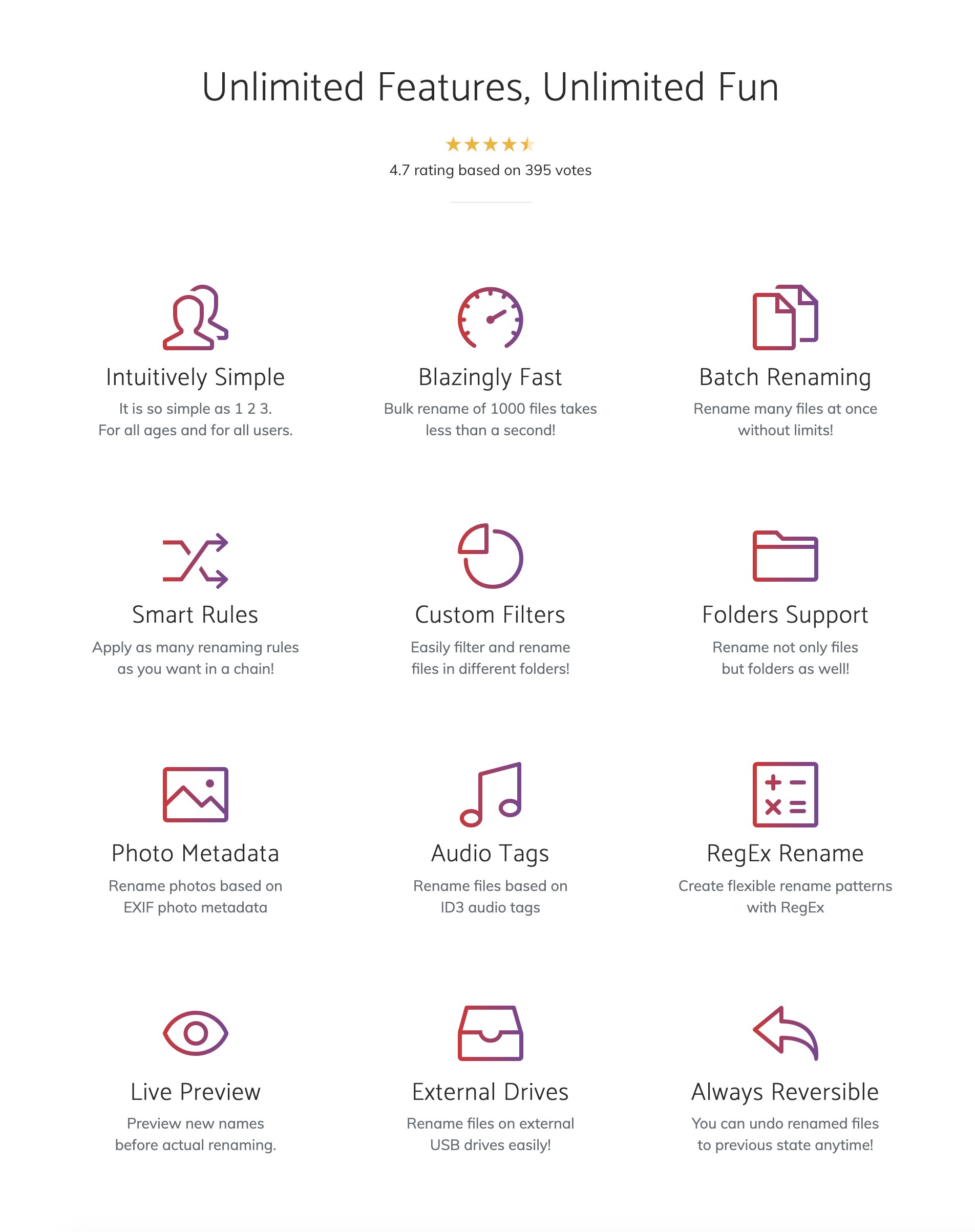
- Blazingly Fast Performance: Engineered for speed, the application processes extensive lists of files almost instantly, preventing system lag during heavy batch operations.
- Intuitive Interface: Despite its powerful backend capabilities, the user interface remains exceptionally simple, allowing beginners to start renaming immediately without a steep learning curve.
- Multi-Platform Support: Fully compatible with Windows, macOS, and Linux, making it a highly versatile choice for mixed-OS environments.
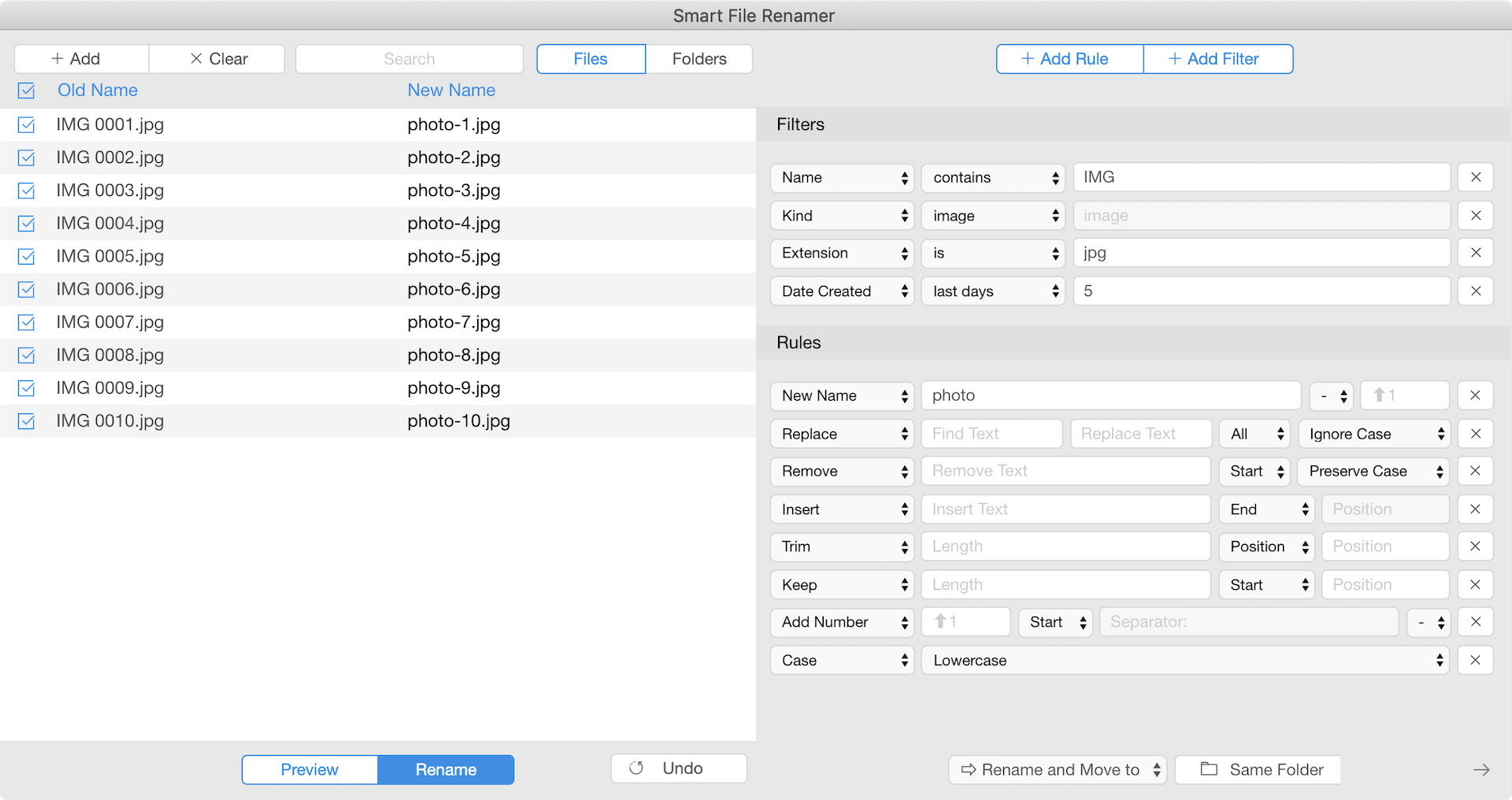
- Flexible Renaming Logic: Easily construct rules to replace text, append prefixes or suffixes, change letter casing, and add sequential numbering.
How It Elevates Your Workflow
Instead of opening files individually, users can import entire directories into the Smart File Renamer batch utility. Once loaded, you can apply custom rulesets to clean up messy filenames, remove unwanted characters, or inject metadata-based elements. The real-time preview feature ensures you see exactly how your files will look before committing to any changes, preventing accidental overwrites or formatting errors.
Our Verdict
For anyone seeking a reliable, cross-platform utility to clean up cluttered directories, this software is an excellent candidate. It strikes a rare balance between powerful batch capabilities and straightforward usability. If you are ready to streamline your digital storage, you can explore the application and check out user feedback directly on the official Microsoft Store page.
Rate the App
User Reviews


Popular Apps










Editor's Choice